Account, billing & appearance
Manage your plan and trial, switch cadence, and set the theme and time zone.
Free & Pro
Everything you configure lives on the Account page, organized into Subscription, Appearance, Notifications, Watchlist and Account.
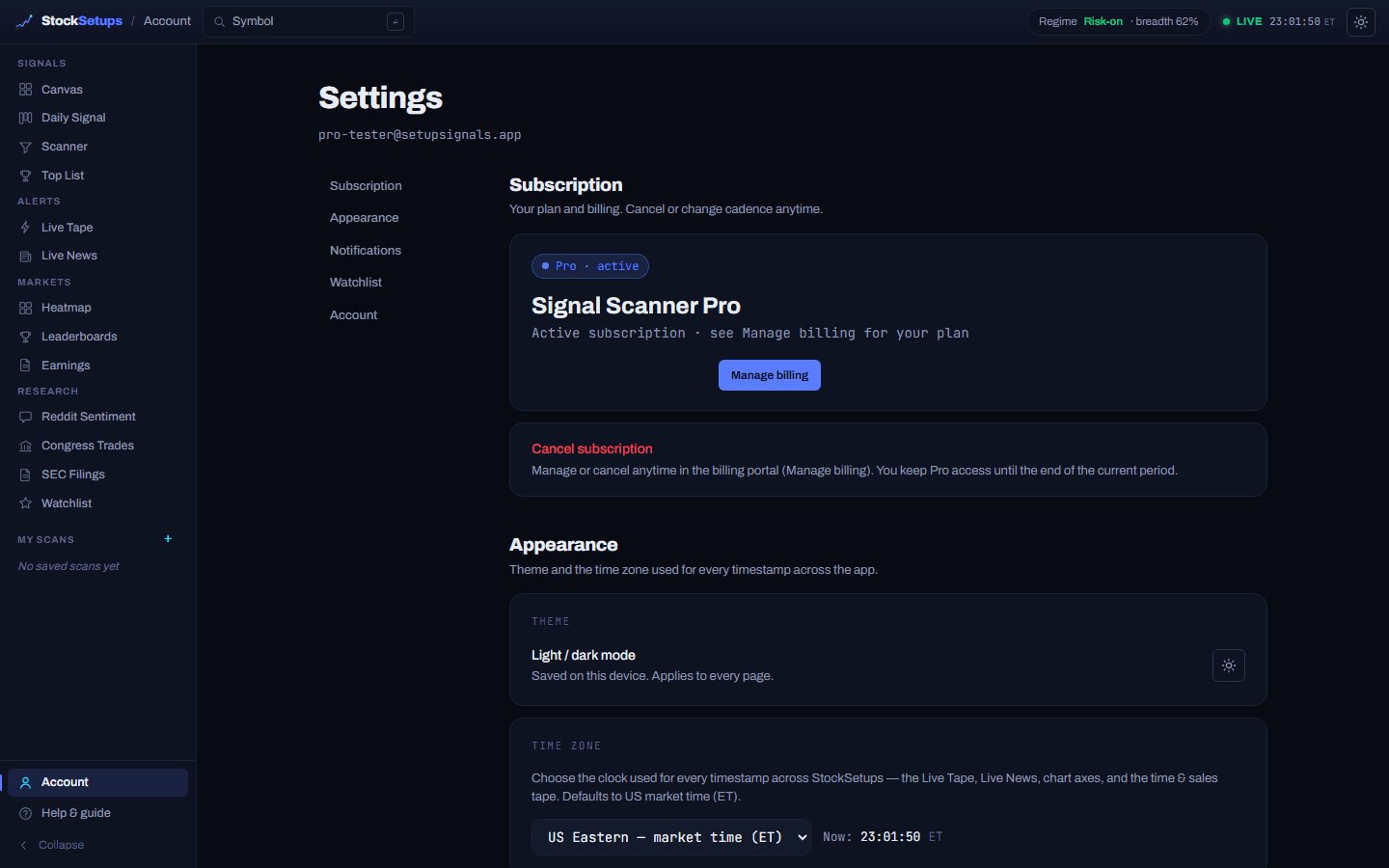
Subscription
- Plan status
- A badge shows Pro · active, Free trial · active, or Free preview.
- Cadence
- Pick Monthly or Annual (annual ~24% off). A subscriber in their first paid period can “switch & save” up a cadence.
- Start 14-day free trial
- Begins the trial (card required); it always converts to the $29/mo monthly plan unless you switch.
- Manage billing
- Opens the Stripe billing portal to update your card or cancel.
- Cancel
- Cancel anytime — you keep Pro through the end of the period you've paid for; cancel before the trial ends and you're never charged.
Appearance
- Light / dark mode
- One global per-device theme that applies to every page; also on the toggle in every header.
- Time zone
- The clock used for every timestamp across the app (Live Tape, news, chart axes). Defaults to US market time (ET); session bands stay anchored to ET.
Payments are handled by Stripe — we never see or store your full card number. Refund details are on the Refunds & Cancellations page.
Related
WatchlistsStar symbols into named lists with live prices, recent alerts and notes.Email digest, custom alerts & webhooksSet up the after-close email digest, your own alert rules and price alerts, and push alerts to Discord, Slack or a webhook.Getting startedCreate an account, understand the two engines, and start a free Pro trial.
Keep exploring
Trading glossaryPlain-English definitions of every pattern, candlestick, indicator and term.Free trading toolsPosition size, risk/reward, pivots and Fibonacci — no signup.Articles & guidesDeeper write-ups on setups, indicators and trading the scan.FAQHow the two engines, the data and the plans actually work.ComparisonsHow StockSetups stacks up against the scanners you know.Live scan hubsSee today's setups for each pattern, updated after every close.